
Sommige van onze tafels stellen je in staat om tijdens het spelen voedsel 🤎 te verzamelen! Het 'voer'-icoontje wordt direct aan deze tafels weergegeven.

Na elk spel wordt de hoeveelheid voeding dat je hebt gewonnen weergegeven op het resultatenscherm en automatisch toegevoegd aan je voorraad. Gebruik het om je huisdieren te voederen, de volgende groeifasen te bereiken en beloningen voor jou en je tandems te ontgrendelen!
Zodra je voorraad is aangevuld, ga je naar het tabblad Tandems, tik je op het huisdier dat je wilt voederen en houd je de knop ingedrukt (hoe langer je de knop ingedrukt houdt, hoe meer het gekozen huisdier eet). En als je geen voeding meer hebt, krijg je een bericht om nieuwe spellen te spelen, voeding te verzamelen en je huisdieren te blijven verzorgen!
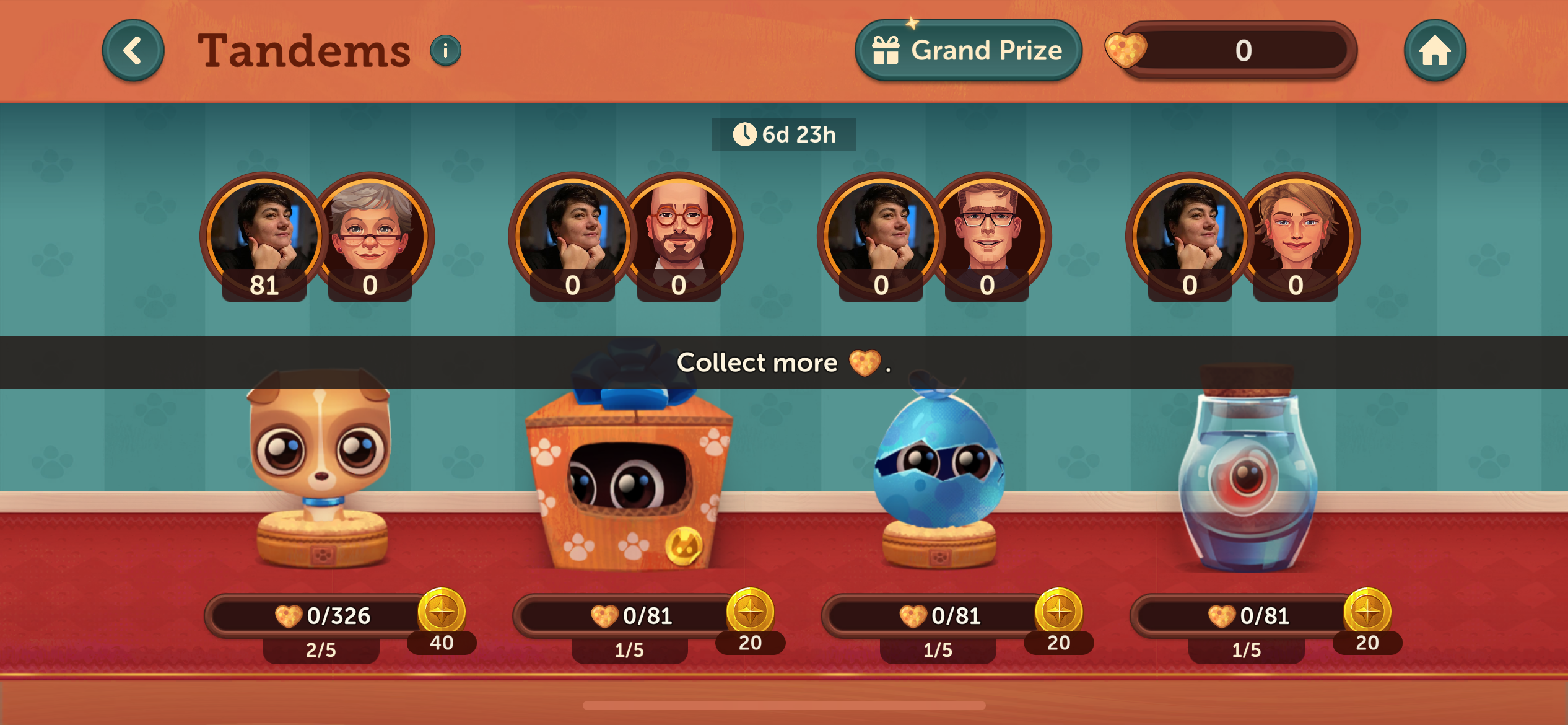
Belangrijke informatie:
- Hoe hoger het inschrijfgeld voor een tafel, hoe meer voeding 🤎 je verzamelt!
- Zodra al je huisdieren hun laatste groeifase hebben bereikt, verdwijnt het Tandems icoontje van je startscherm.
- Aan het einde van het evenement gaat al de overgebleven voeding verloren, dus gebruik het zolang het kan!
Als je meer informatie over dit onderwerp wilt, kun je contact opnemen met onze klantenservice door te tikken op het instellingenpictogram (met de 3 lijntjes) rechtsboven in het scherm en dan op de knop 'Help'. Je kunt vervolgens een gesprek openen door op het tekstballonnetje 💬 in de rechterbovenhoek te tikken of op ‘Chat met ons’ onderaan de pagina.
Veel plezier met spelen!