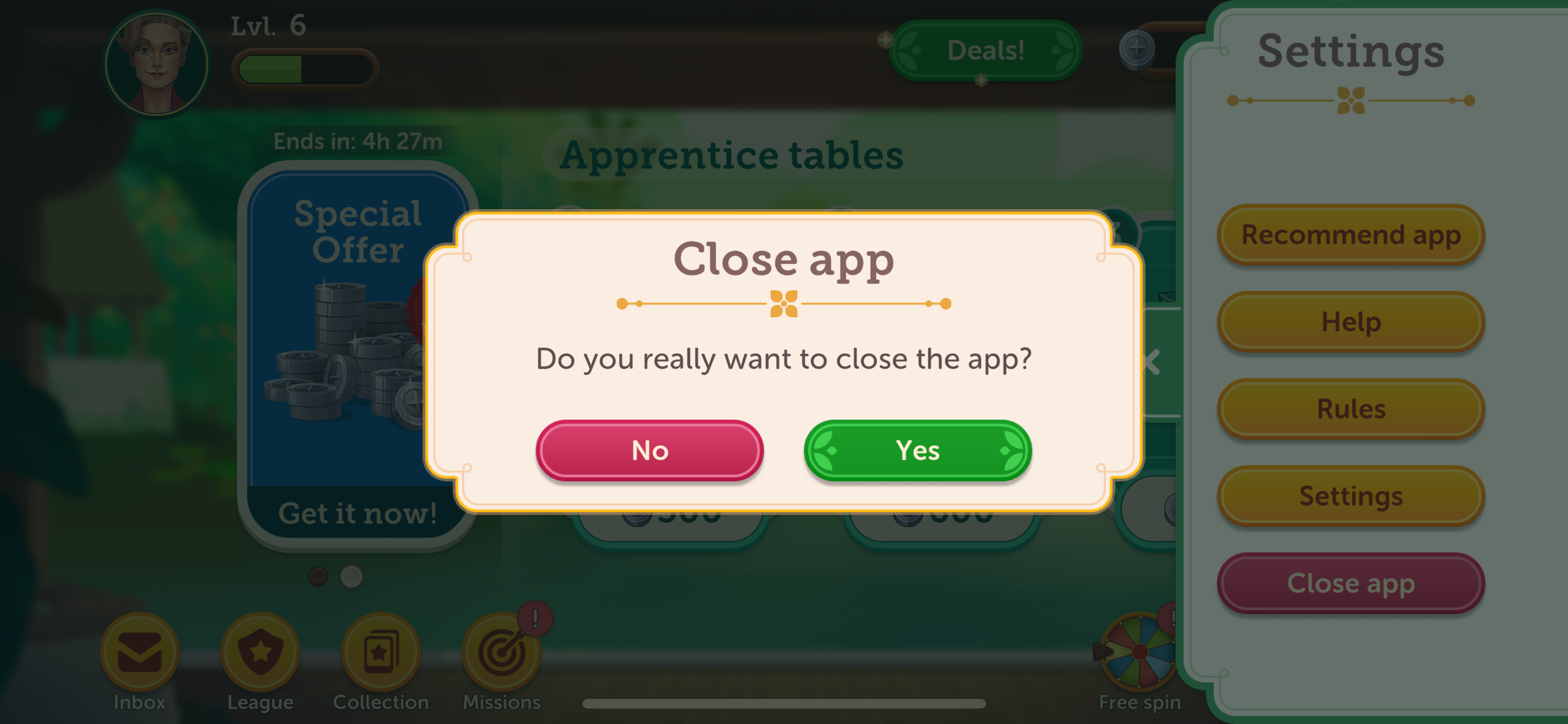
To exit the app, please tap on the “Settings” button (the Hamburger icon represented by 3 lines) in the top right corner. A drop-down menu will appear on the right side, and you can tap on the "Close app" button.
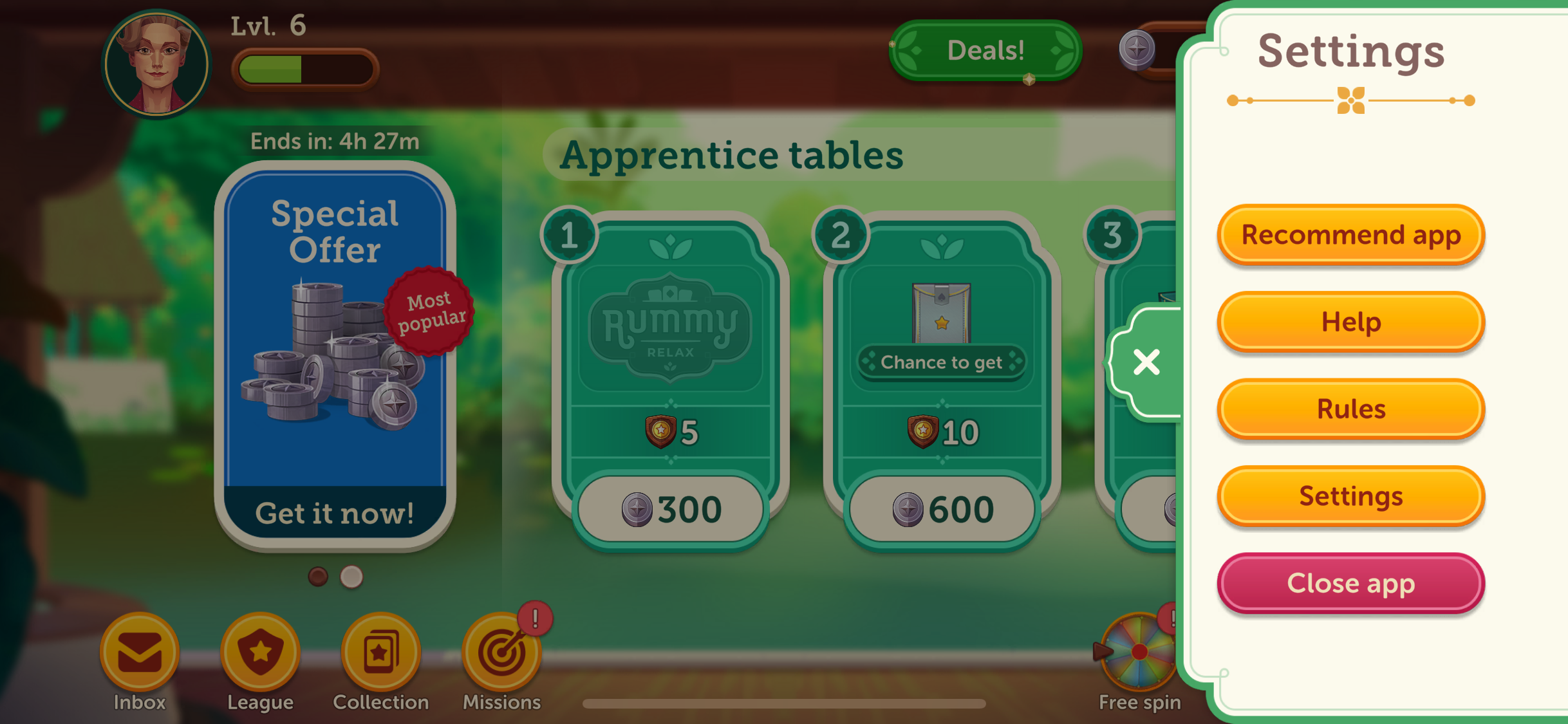
A confirmation pop-up will appear and you can tap "Yes" to close the app.