
Clubs bring players together in an exciting competition, and with competition comes rankings!
Once you reach level 7, you unlock access to Clubs and enter a world of friendly rivalry, where your club's performance is tracked and celebrated.
The “Competition” ranking
This is the main ranking, which allows you to see your club's position relative to other clubs in your competition group (or “instance”).
It displays:
♣️ the clubs at the top of the ranking for the current season
♣️ your club's position in real time
♣️ a clear overview of the club leading the race
This ranking is ideal for tracking your progress, staying motivated, and moving your club up the rankings week after week.
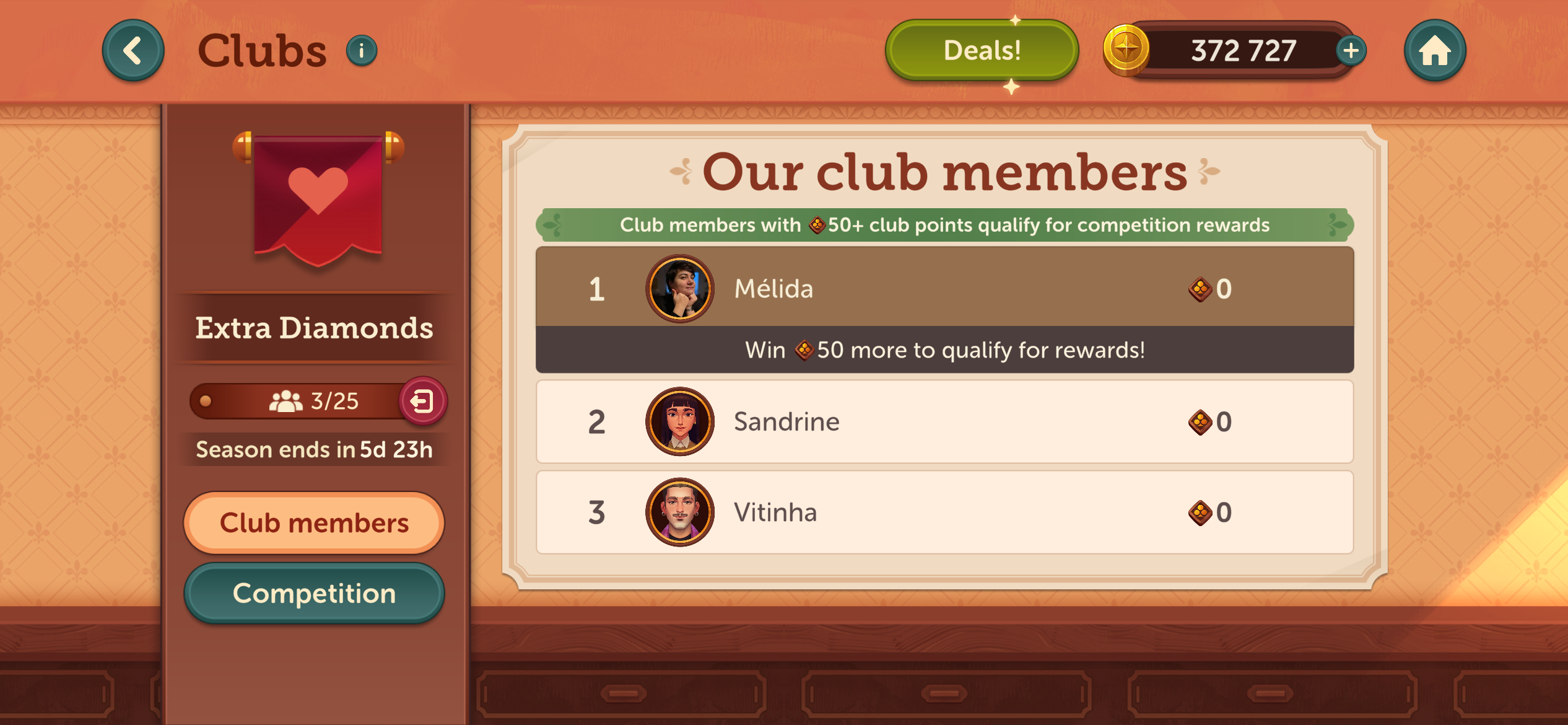
Your club's ranking
Want to see your club's performance in more detail? From the competition ranking, simply tap on your club's name to access the ranking of its individual members.
You will find:
♣️ your personal contribution of club points
♣️ the complete list of your teammates' contributions
♣️ the ranking of your 25 club members according to their contribution
This overview allows you to measure your impact, encourage your teammates, and celebrate your club's top contributors.
Check out other clubs too!
If you want to check out the competition, you can also tap on the name of any other club in the main ranking and view their page.
There you will see:
♣️ their progress in club points
♣️ the current ranking of their members
♣️ their performance during the current season and the previous season
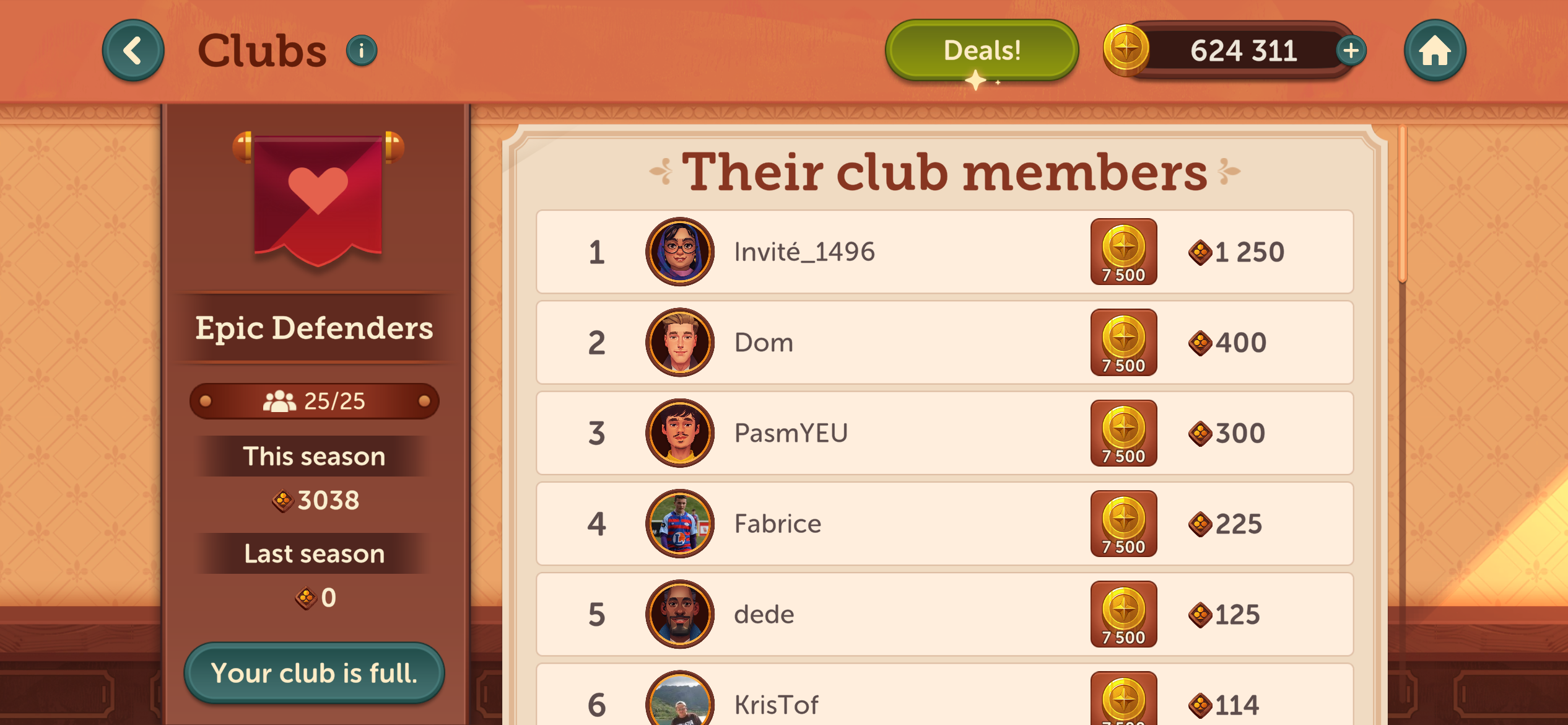
And if you like the look of another club, you can request to join it at any time (only if places are available)! Just click on “Join” at the bottom left of the screen.
⚠️ Please note: changing clubs will reset your progress for the current season. For more details, please refer to the FAQ: “Can I change clubs?”.
If this FAQ wasn't quite what you needed, please click "👎 No ". You can reach out to our support team directly by tapping the speech bubble 💬 at the top or clicking " 💬 Chat with us" below.
Have fun and enjoy playing!